17 lessons
"Intro to Programming"
One idea per video, in order. Start at the top and work your way across.
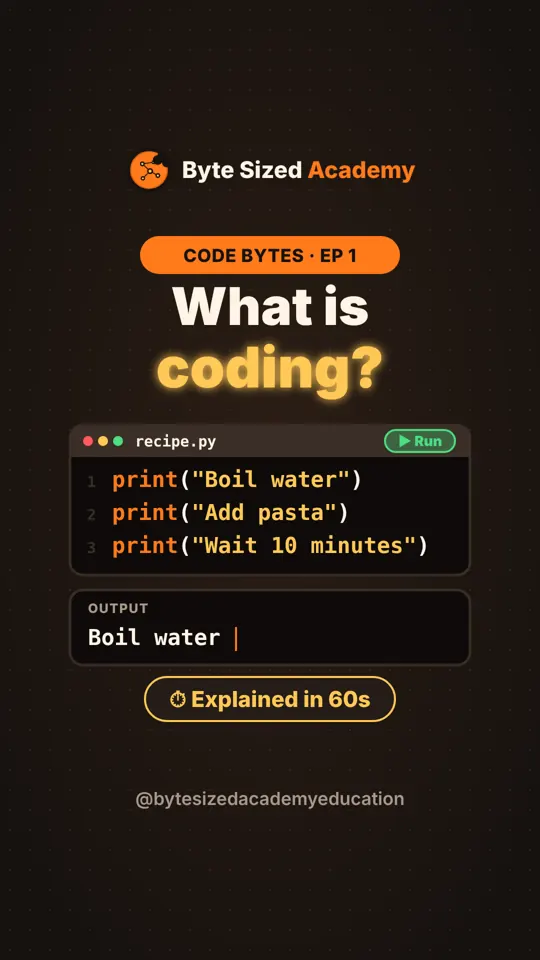
What code is
3 lessons · swipe for more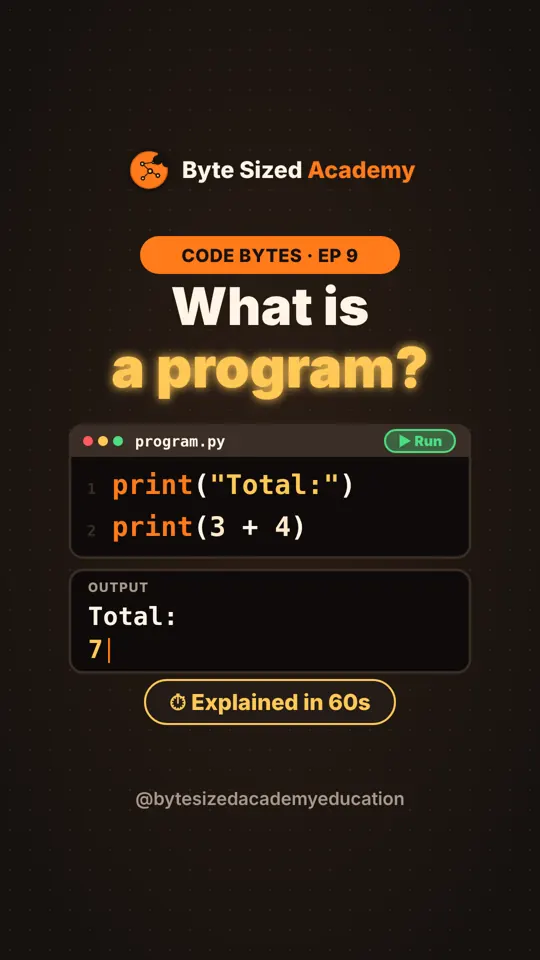 "Intro to Programming" · EP1
What a program is
A program is a set of instructions saved in a file, ready to run. Like a recipe card, nothing happens until someone follows it. When you run it, the computer follows the file from top to bottom, exactly as written, and gives the same result every time.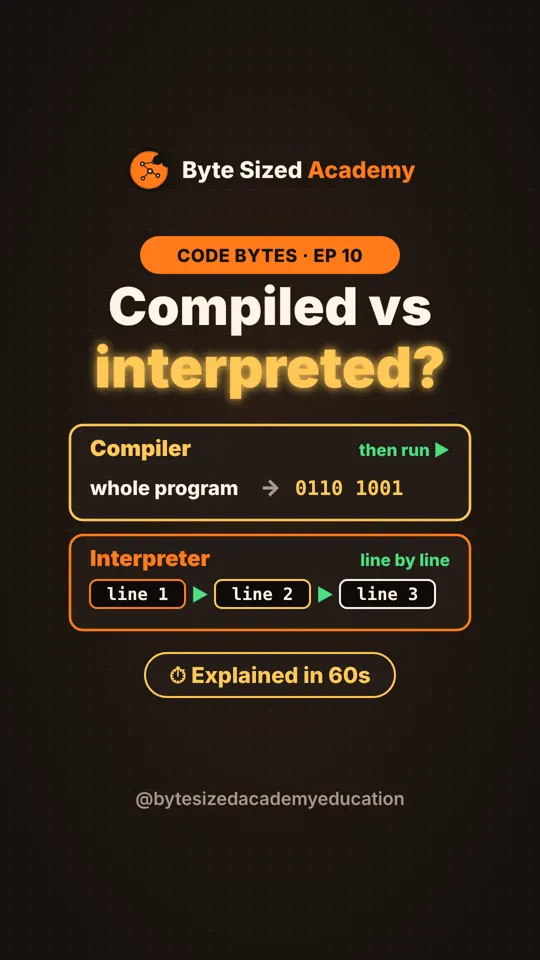 "Intro to Programming" · EP2
Compiled vs interpreted
A computer's processor only runs machine code, so your code has to be translated. A compiler translates the whole program before it runs; an interpreter, like the one Python usually uses, reads and runs it line by line, so a typo on line two stops the program after line one has already run.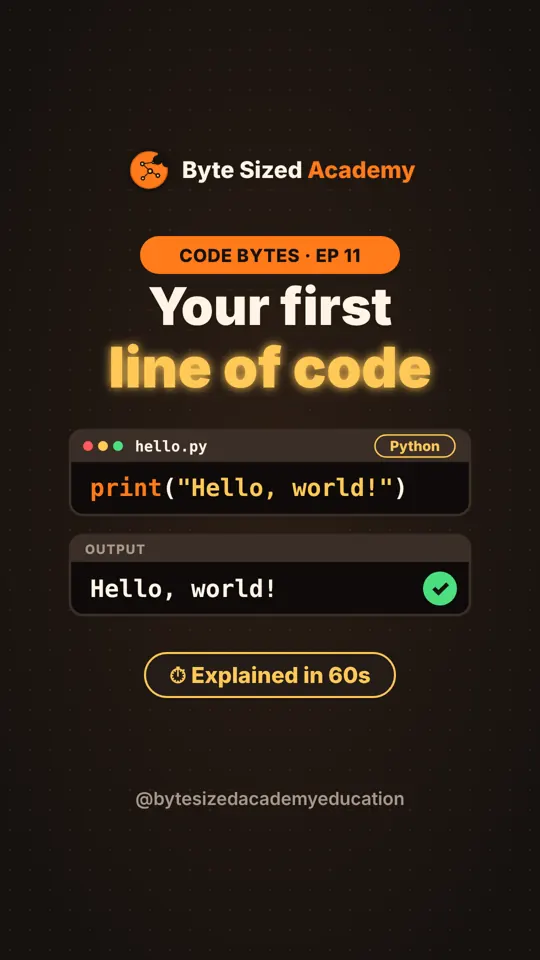 "Intro to Programming" · EP3
Your first line of code
Since the 1970s, many programming books have started with a program that just says hello. In Python it's one line, print("Hello, world!"): print shows it on the screen, the brackets hold what you give it, and the quotes mark the exact text. Running it proves your editor, Python and the screen all work.Data
3 lessons · swipe for more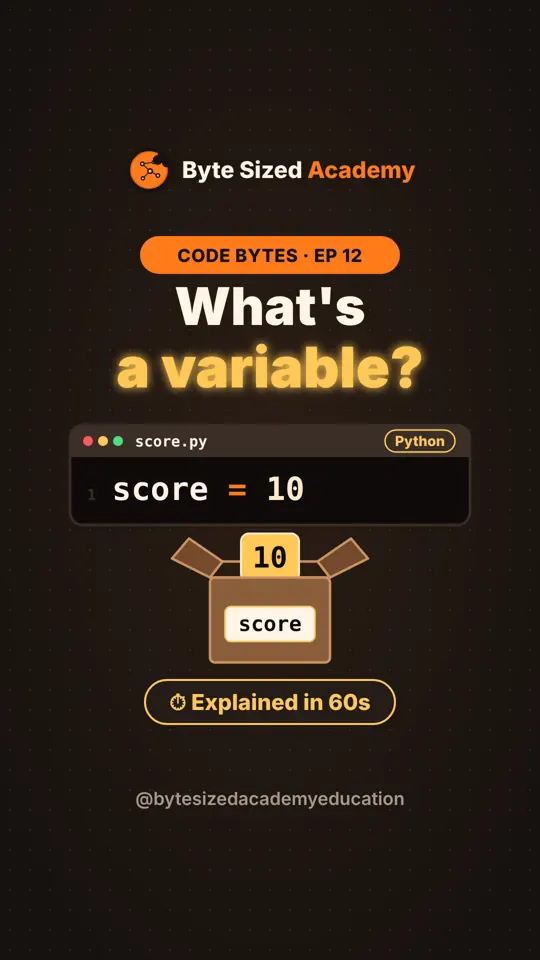 "Intro to Programming" · EP4
Variables
A variable is like a labelled box for a value. In Python, score = 10 makes a box called score and puts 10 inside; the = means "put this value in that box". You can swap what's inside at any time, which is why it's called a variable.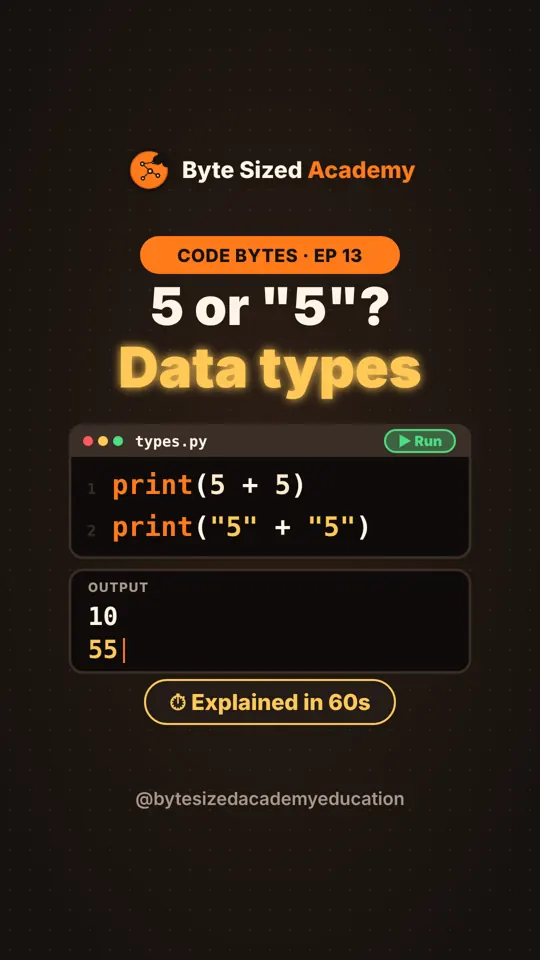 "Intro to Programming" · EP5
Data types
Every value in code has a type that tells the computer what it is and what it can do. In Python, 5 is an int (a whole number), 5.0 is a float (a number with a decimal point) and "5" is a str (text), so the same-looking values behave differently.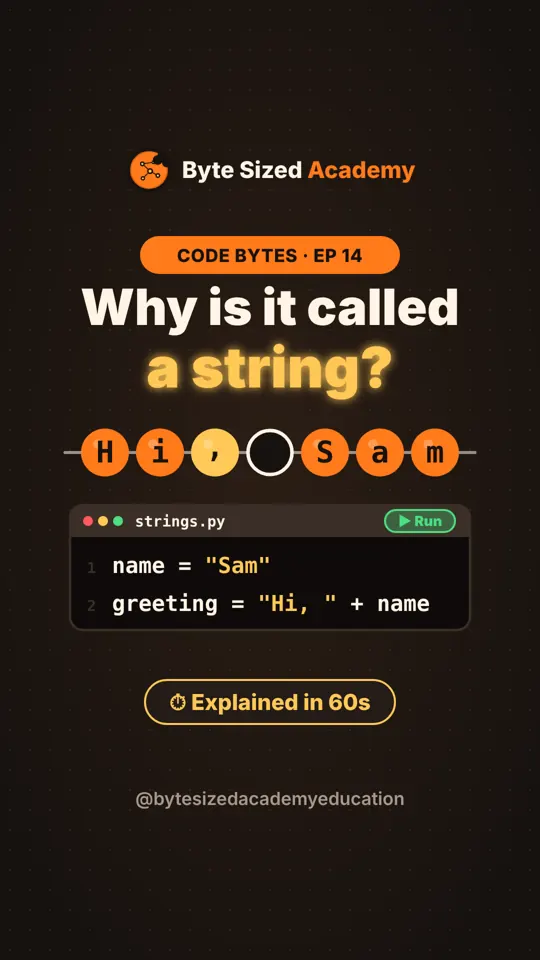 "Intro to Programming" · EP6
Strings
Text in code is called a string because it is a string of characters, lined up in order like beads on a string. In Python you make one with quotes, + joins strings together, and len() counts the characters, spaces and commas included.Decisions and loops
5 lessons · swipe for more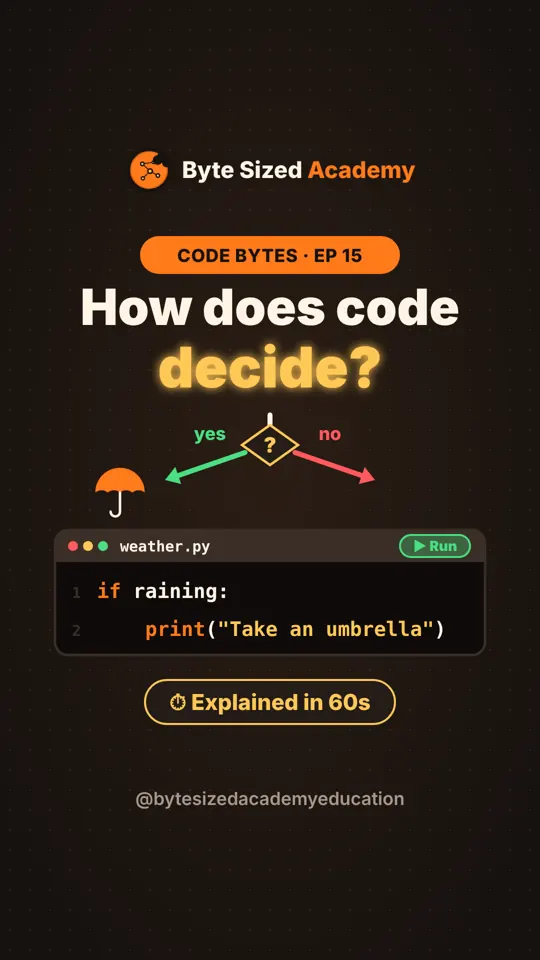 "Intro to Programming" · EP7
If statements
An if statement lets code make a decision, just like "if it's raining, take an umbrella". In Python you write if, a condition and a colon, then indent the lines that belong to it; else handles the no answer, and a line that isn't indented runs either way.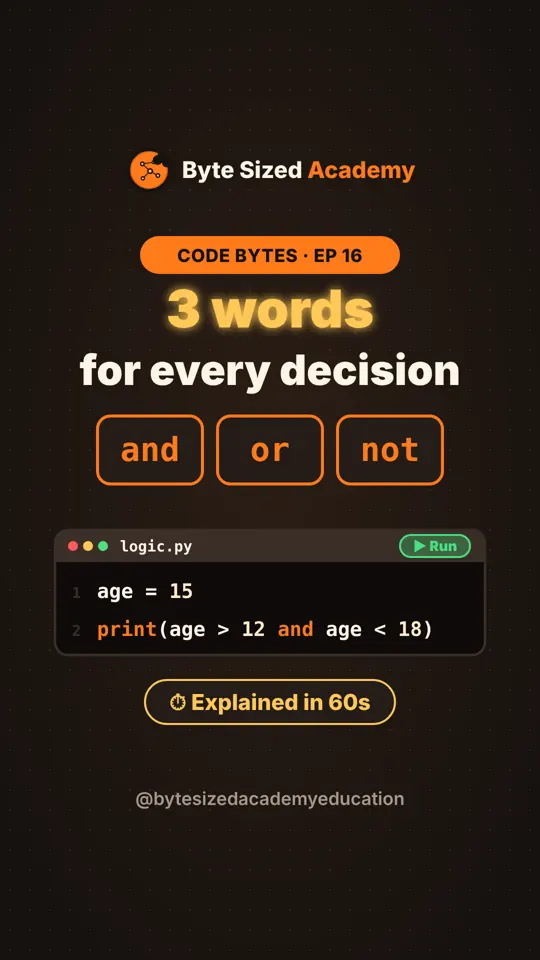 "Intro to Programming" · EP8
Comparison and logic
Every decision in code is a yes or no question, and Python answers it with True or False. Comparisons like >, < and == ask the question, and the three little words and, or and not combine and flip the answers.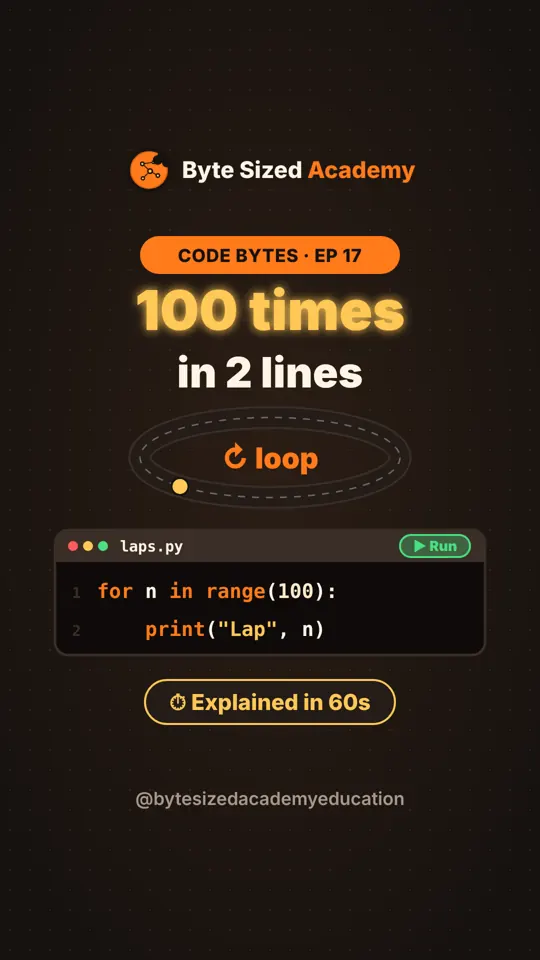 "Intro to Programming" · EP9
For loops
A for loop lets you do something many times while writing it only once. for n in range(3) repeats the indented lines under it once for each number 0, 1 and 2, and changing 3 to 100 gives a hundred repeats from the same two lines.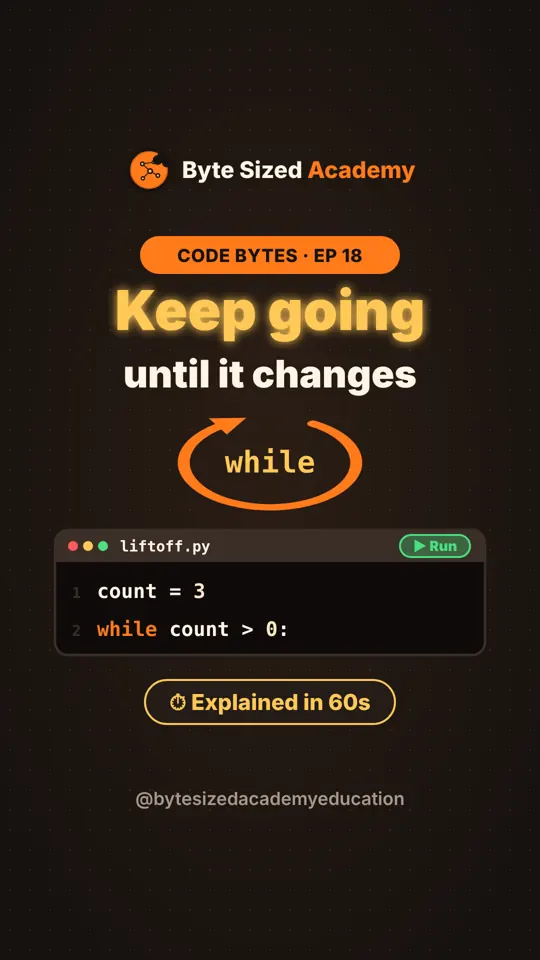 "Intro to Programming" · EP10
While loops
A while loop keeps repeating as long as its condition is True and checks that condition before every round. count = 3 with while count > 0 prints 3, 2, 1 and then stops, because count - 1 eventually makes the condition False.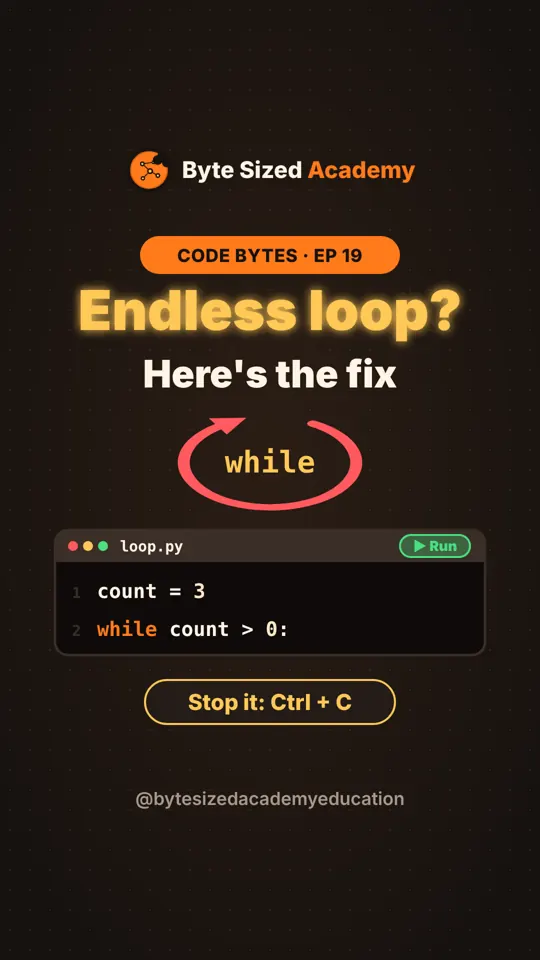 "Intro to Programming" · EP11
Infinite loops
An infinite loop is a loop whose condition never turns False, so it never stops. Press Ctrl+C to stop it (Python reports KeyboardInterrupt), and fix it by making sure something inside the loop changes.Functions and lists
4 lessons · swipe for more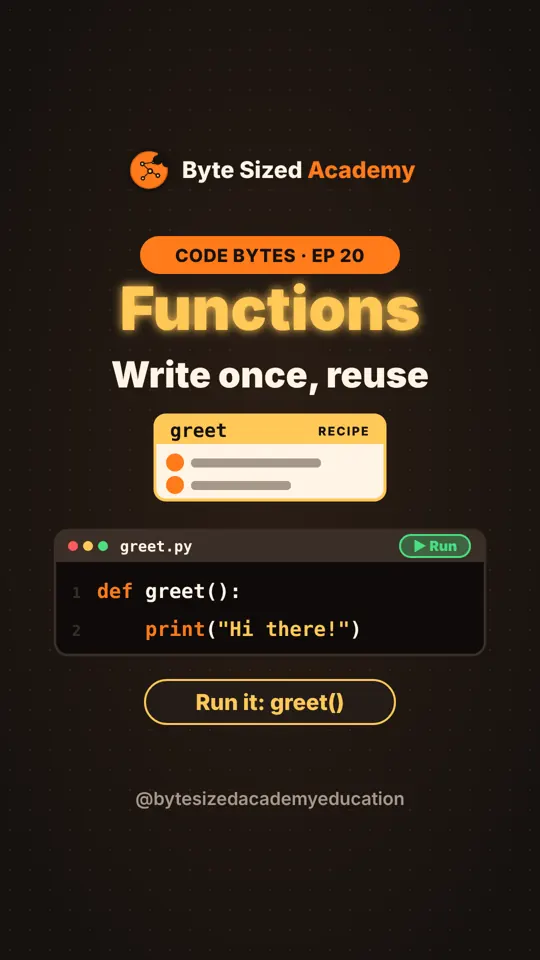 "Intro to Programming" · EP12
Functions
A function is a named chunk of code, like a recipe card with a name. You write it once with def, and it runs each time you call it by name with brackets, such as greet(). Defining a function only stores it; calling it runs it.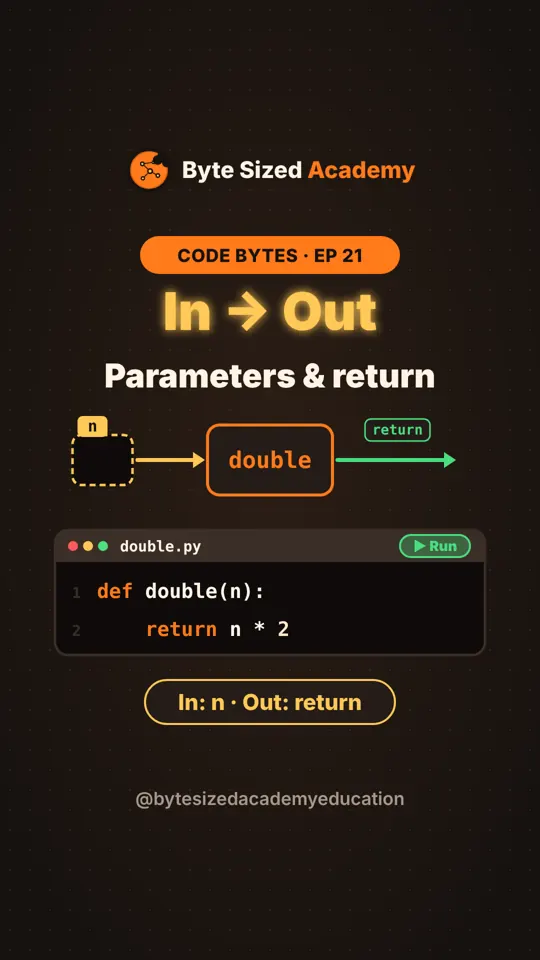 "Intro to Programming" · EP13
Parameters and return values
A parameter is a named slot in a function's brackets that receives whatever value you hand in. return sends a value back out of the function, so your code can store it or keep using it. print only shows a value on screen.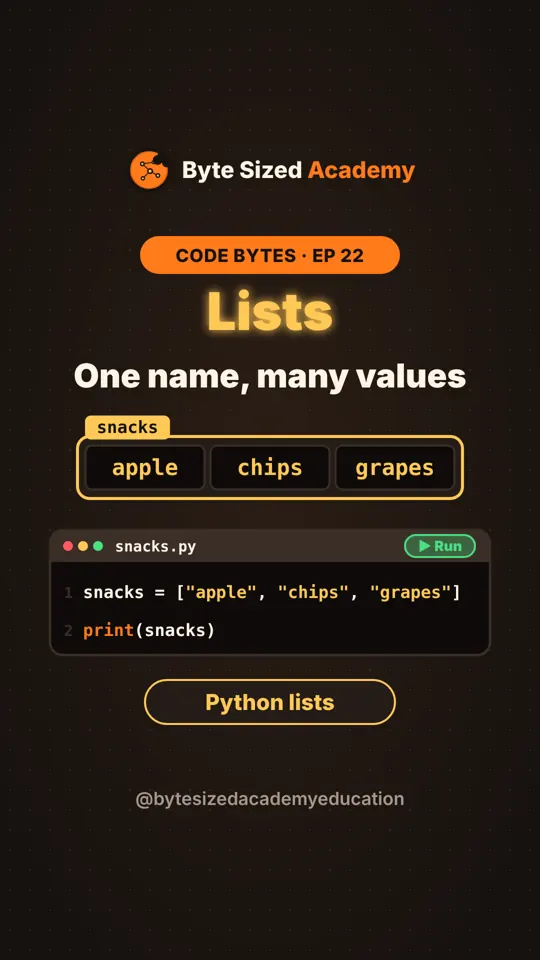 "Intro to Programming" · EP14
Lists and arrays
A list keeps many values together under one name. In Python you write it with square brackets and commas, len() counts its items, and append() adds a new item to the end. Many other languages call the same idea an array.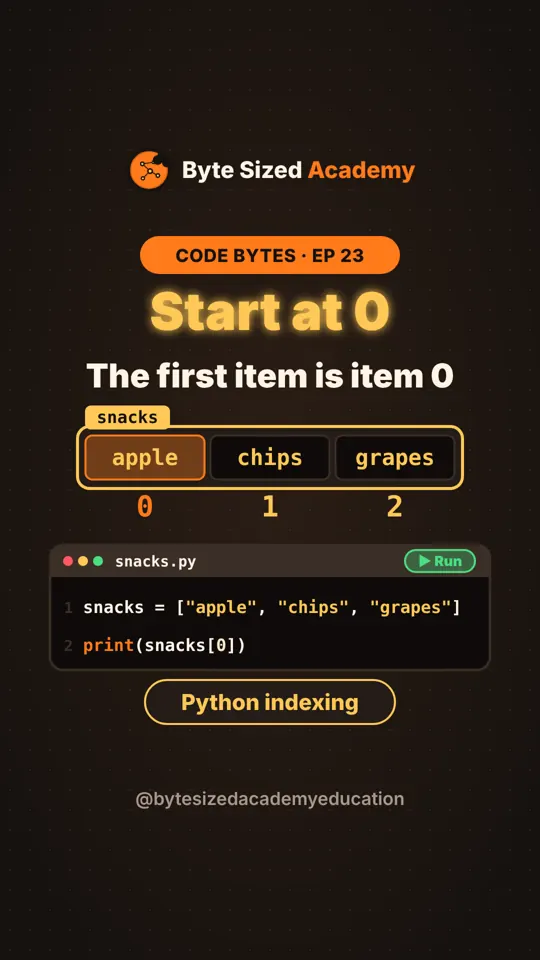 "Intro to Programming" · EP15
Indexing starts at zero
An index is an item's position in a list, counted as steps from the start, so the first item is index 0. In Python you put the index in square brackets after the list's name, and asking for an index past the end gives an IndexError.Debugging
2 lessons · swipe for more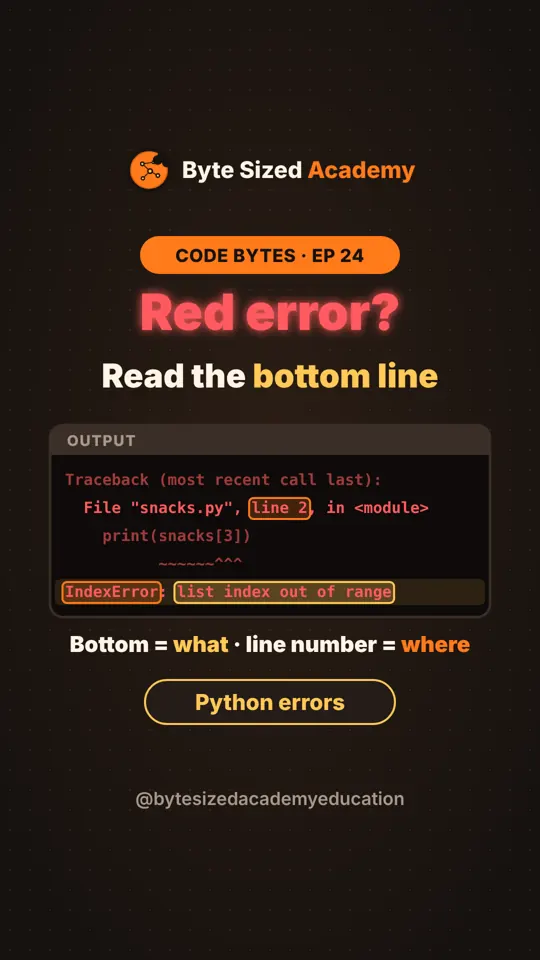 "Intro to Programming" · EP16
Reading an error message
When Python hits an error it stops and prints a traceback. Read the bottom line first for what went wrong (the error type and the reason), then the line number just above it for where. "Intro to Programming" · EP17