
4 courses · 38 lessons
Code Bytes
Learn to code from zero, one tiny idea at a time.
Pick a topic
swipe for more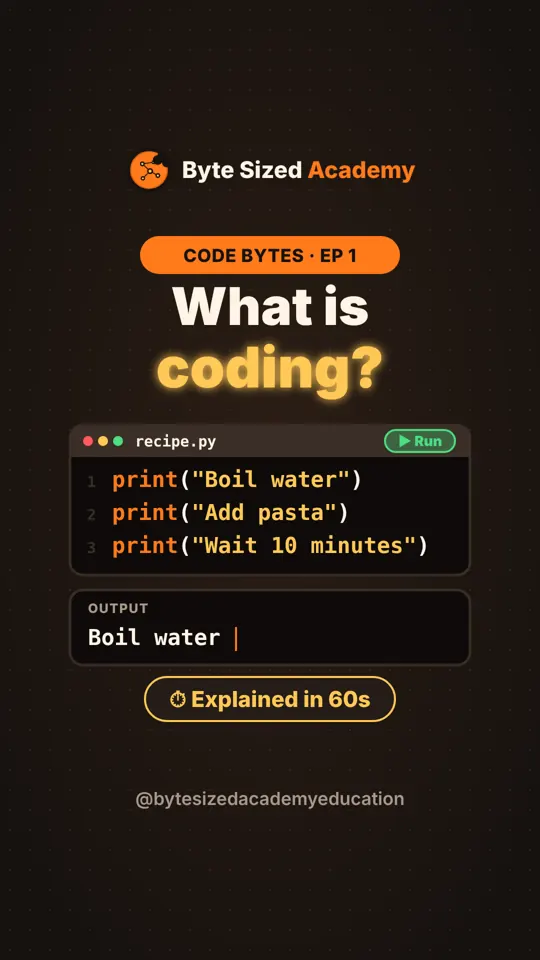 8 lessons
"Start Here: What Is Coding?"
The big picture · Thinking like a coder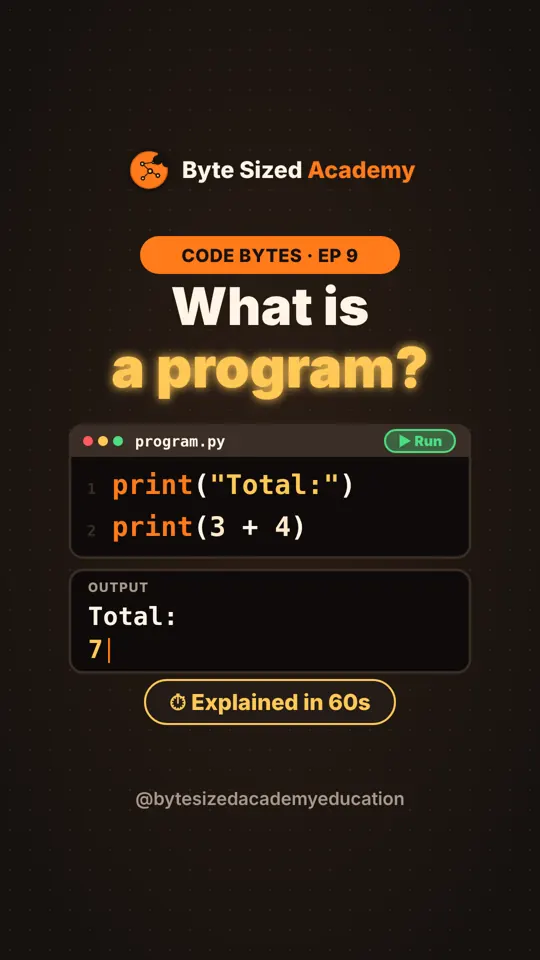 17 lessons
"Intro to Programming"
What code is · Data · Decisions and loops · Functions and lists · Debugging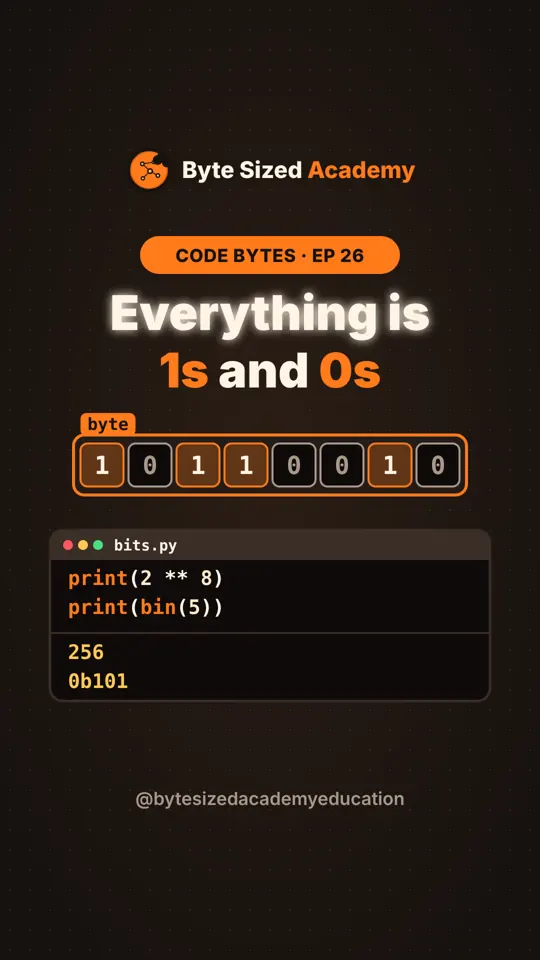 8 lessons
"How Computers Work"
Bits and bytes · Hardware · Software layers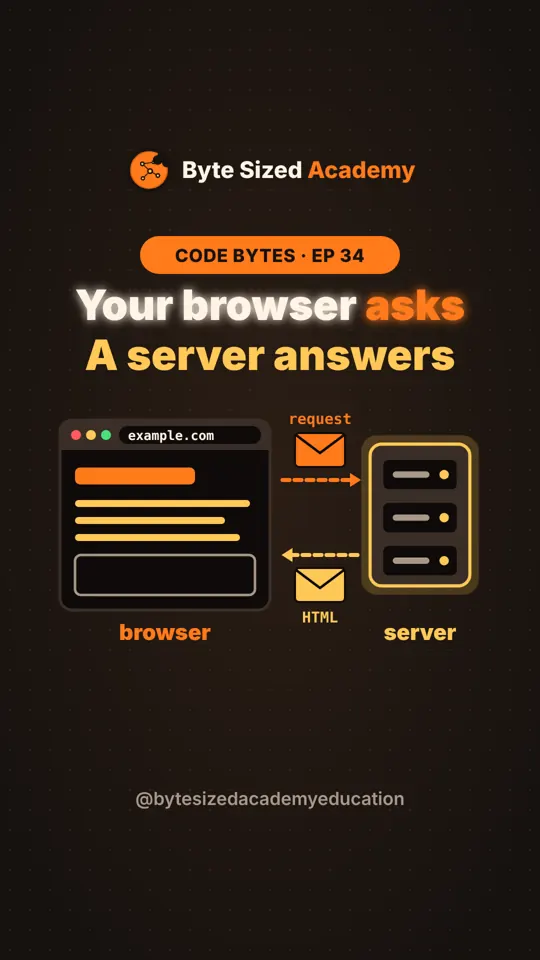 5 lessons
"Web Fundamentals"
How the web works · HTML"Start Here: What Is Coding?" · EP1What coding is
Coding is writing instructions a computer can follow, exactly as written and in order, like a recipe for a cook who takes every word literally. Three lines of Python, print("Boil water"), print("Add pasta") and print("Wait 10 minutes"), run top to bottom and print those three lines.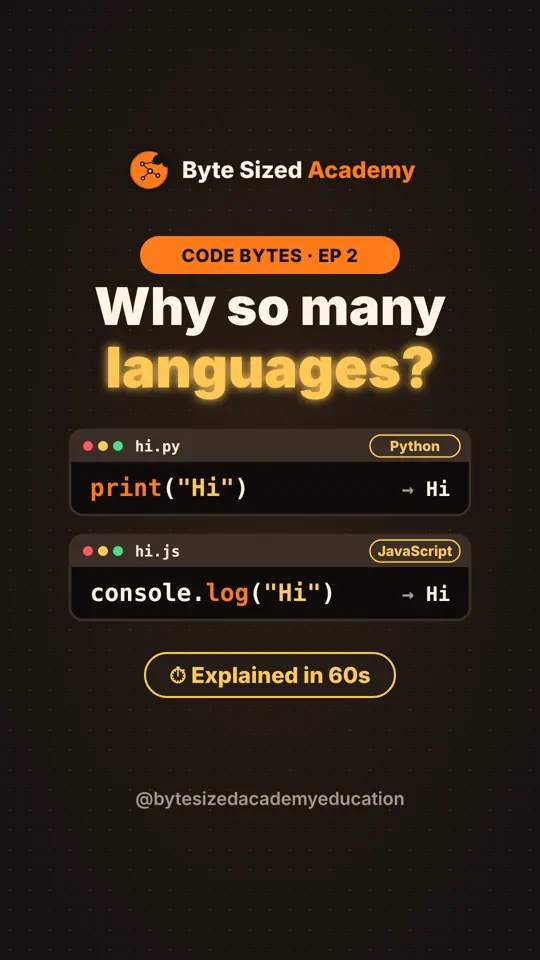 "Start Here: What Is Coding?" · EP2
What a programming language is
A computer's chip only understands machine code, ones and zeros. A programming language is the middle ground, words and symbols people can read that a tool translates into machine code. Different languages use different words for the same idea, like print("Hi") in Python and console.log("Hi") in JavaScript.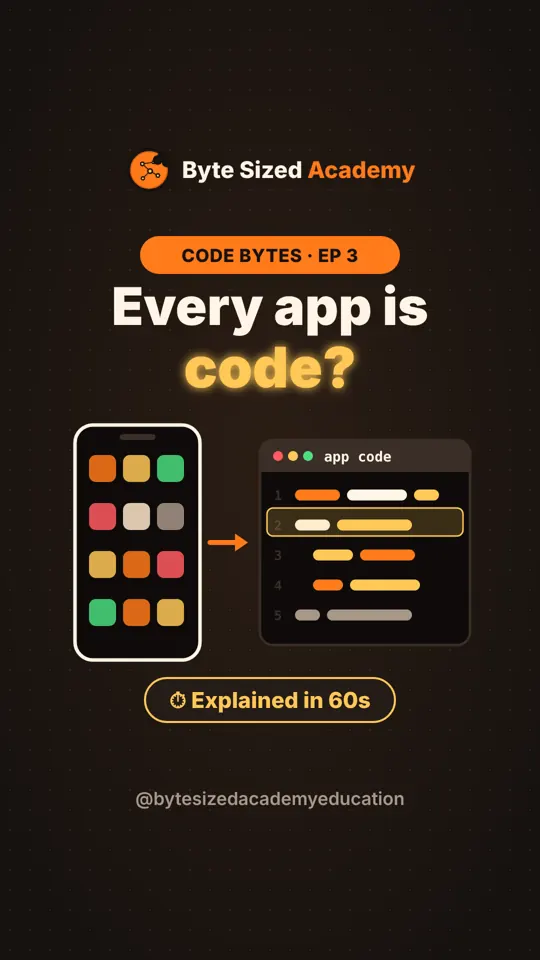 "Start Here: What Is Coding?" · EP3
Apps, websites and programs
Apps, websites and games are all programs, saved instructions ready to run. Every tap runs code, a website is code in three parts (content, looks and actions) that your browser downloads and runs, and many apps ask servers for data.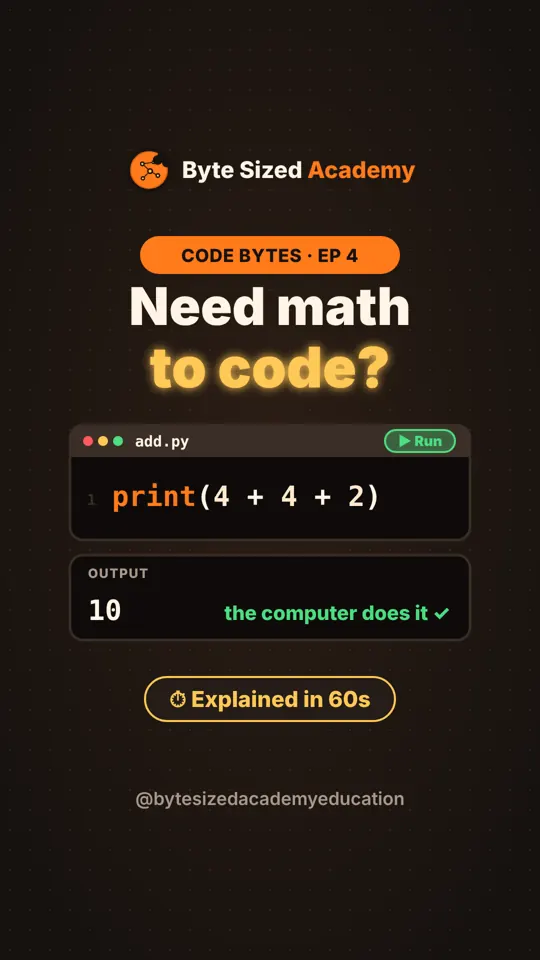 "Start Here: What Is Coding?" · EP4
Do you need math to code?
For most coding you don't need to be great at math. The computer does the arithmetic for you, so print(4 + 4 + 2) in Python prints 10. What you really need is logic (thinking in clear steps) and patience to find your mistakes; everyday apps mostly need adding, comparing and counting, while areas like 3D games and AI use more math you can learn later.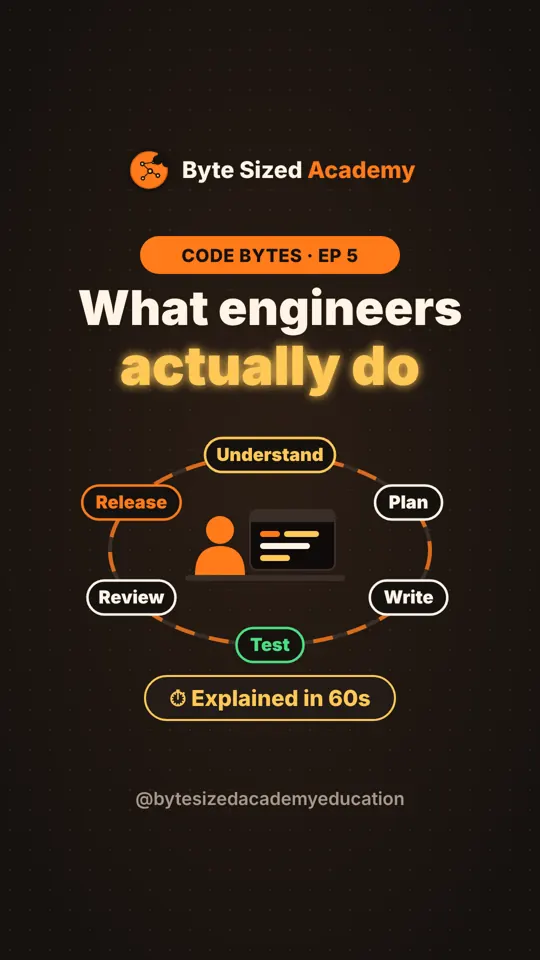 "Start Here: What Is Coding?" · EP5
What software engineers actually do
Software engineers spend most of their day solving problems, not typing fast. They understand the problem, plan, write code in small pieces, test it, find and fix mistakes, review each other's code and release it to users, then start again.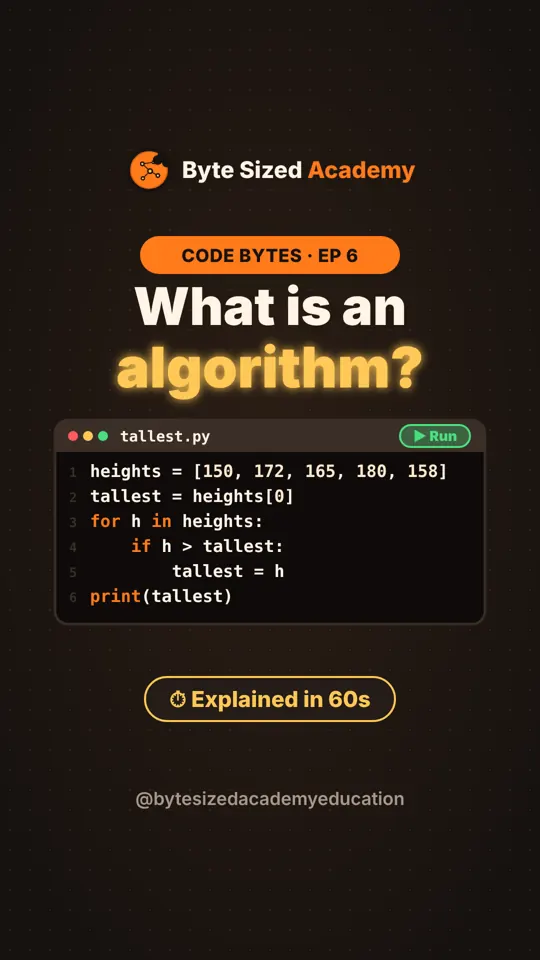 "Start Here: What Is Coding?" · EP6
Algorithms in real life
An algorithm is a set of clear steps that solves a problem, in order, and then stops. Recipes, directions and laundry are everyday algorithms, and coders use one to find the tallest person in a line, which takes six short lines of Python.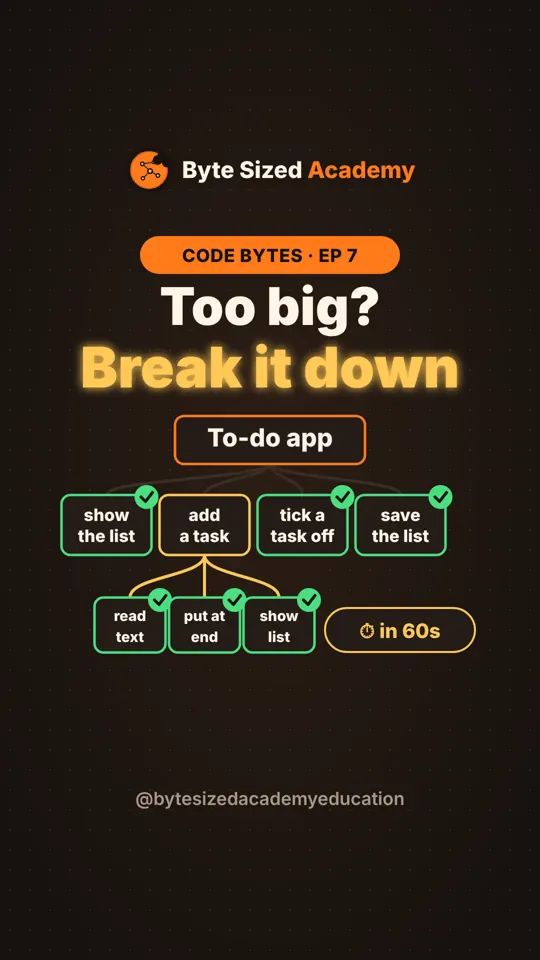 "Start Here: What Is Coding?" · EP7
Breaking problems into steps
Coders tackle a problem that feels too big by splitting it into smaller problems, then splitting those again, until every piece is something they can code. Then they solve the pieces one at a time. A to-do list app splits into show, add, tick and save, and "add a task" splits into three even smaller steps.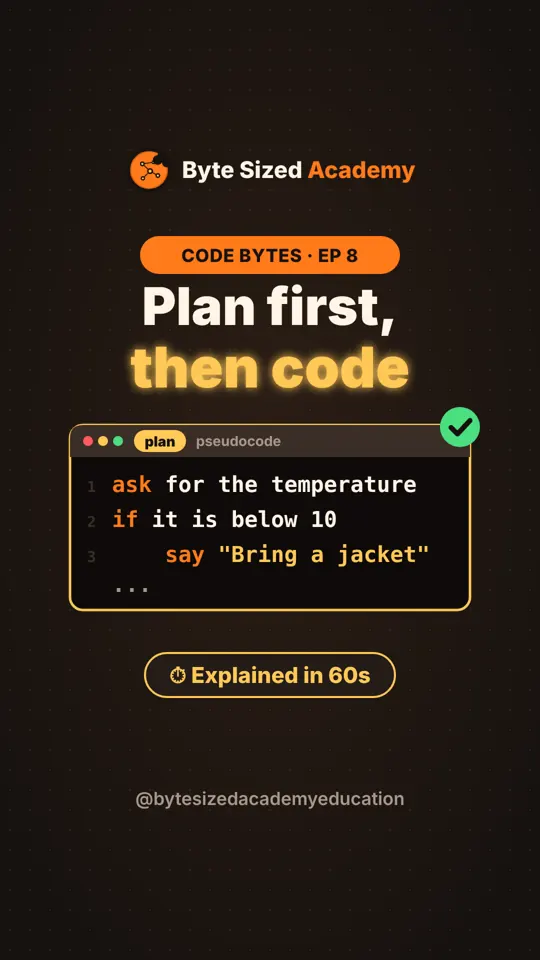 "Start Here: What Is Coding?" · EP8
Pseudocode
Pseudocode is a plan for a program written in plain English but shaped like code. A computer can't run it, but it lets you do the hard thinking first. Each line of the plan then turns into a line of real code, like ask becoming input and say becoming print in Python."Intro to Programming" · EP1What a program is
A program is a set of instructions saved in a file, ready to run. Like a recipe card, nothing happens until someone follows it. When you run it, the computer follows the file from top to bottom, exactly as written, and gives the same result every time.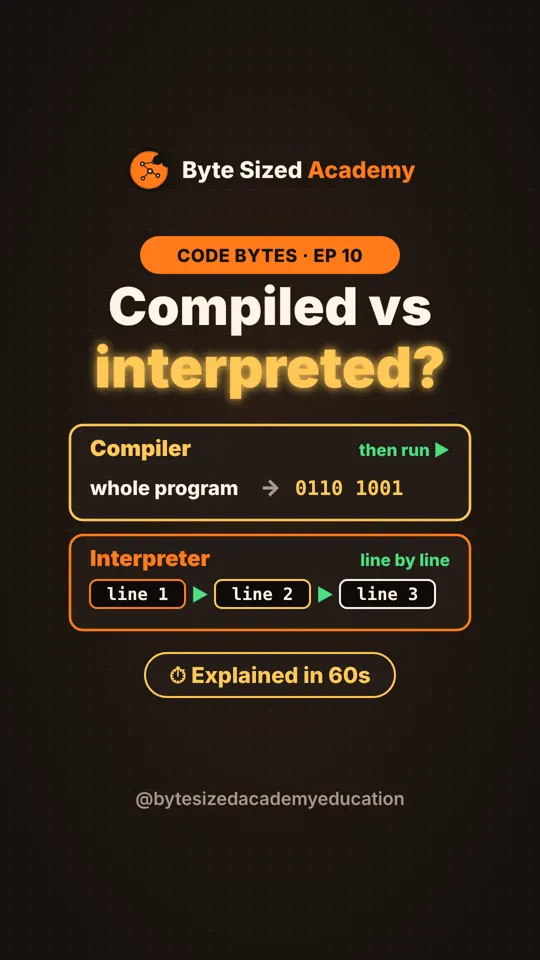 "Intro to Programming" · EP2
Compiled vs interpreted
A computer's processor only runs machine code, so your code has to be translated. A compiler translates the whole program before it runs; an interpreter, like the one Python usually uses, reads and runs it line by line, so a typo on line two stops the program after line one has already run.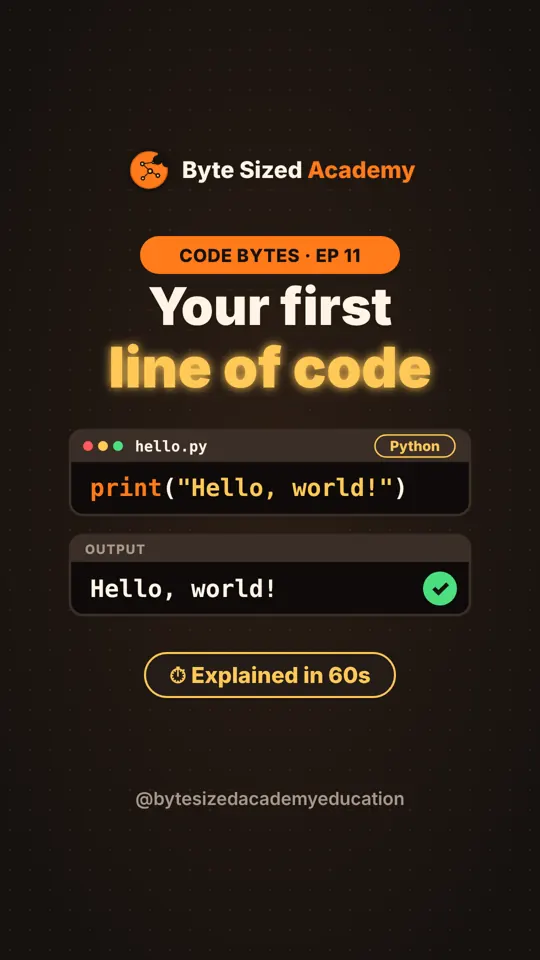 "Intro to Programming" · EP3
Your first line of code
Since the 1970s, many programming books have started with a program that just says hello. In Python it's one line, print("Hello, world!"): print shows it on the screen, the brackets hold what you give it, and the quotes mark the exact text. Running it proves your editor, Python and the screen all work.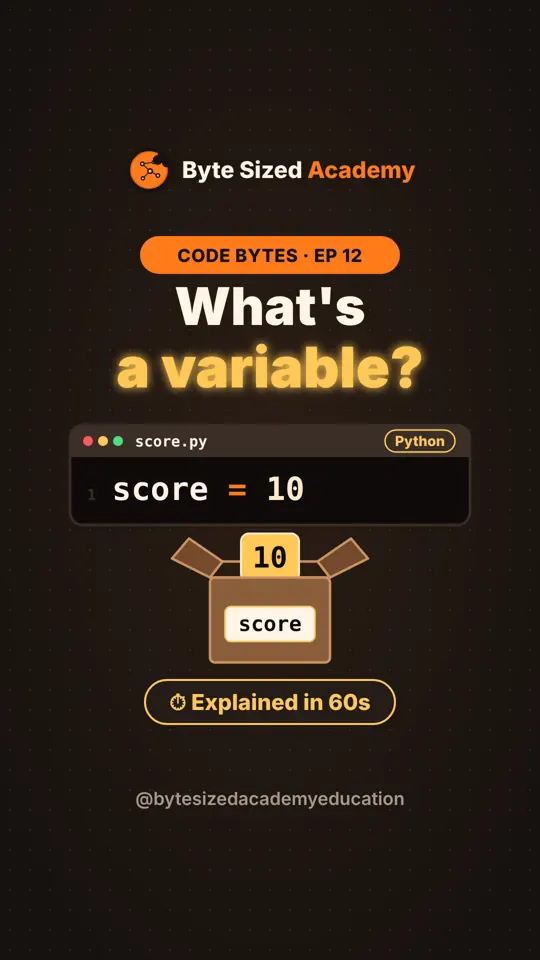 "Intro to Programming" · EP4
Variables
A variable is like a labelled box for a value. In Python, score = 10 makes a box called score and puts 10 inside; the = means "put this value in that box". You can swap what's inside at any time, which is why it's called a variable.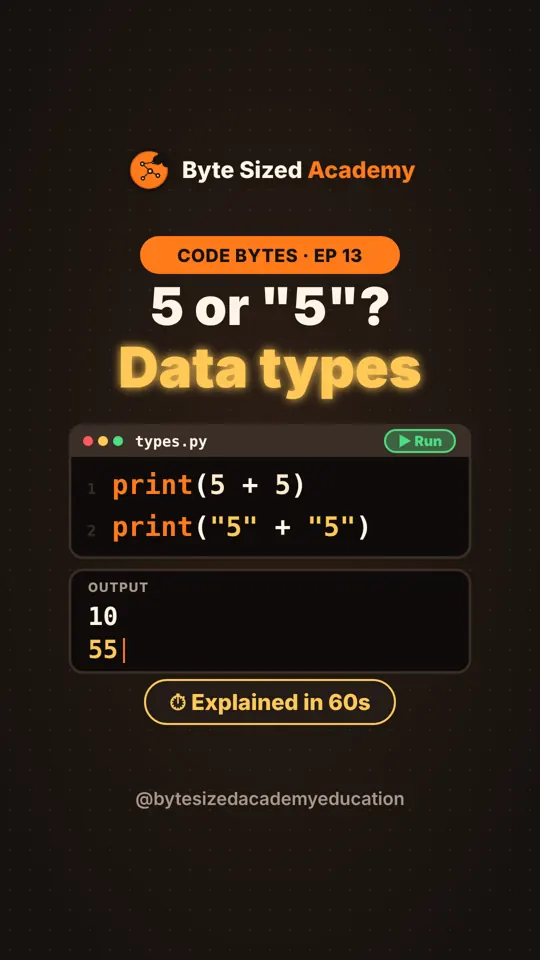 "Intro to Programming" · EP5
Data types
Every value in code has a type that tells the computer what it is and what it can do. In Python, 5 is an int (a whole number), 5.0 is a float (a number with a decimal point) and "5" is a str (text), so the same-looking values behave differently.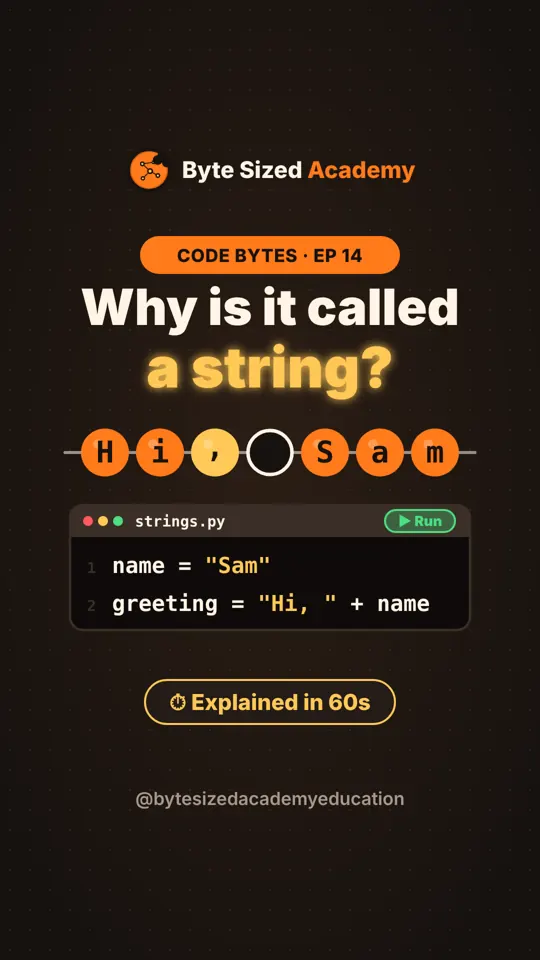 "Intro to Programming" · EP6
Strings
Text in code is called a string because it is a string of characters, lined up in order like beads on a string. In Python you make one with quotes, + joins strings together, and len() counts the characters, spaces and commas included.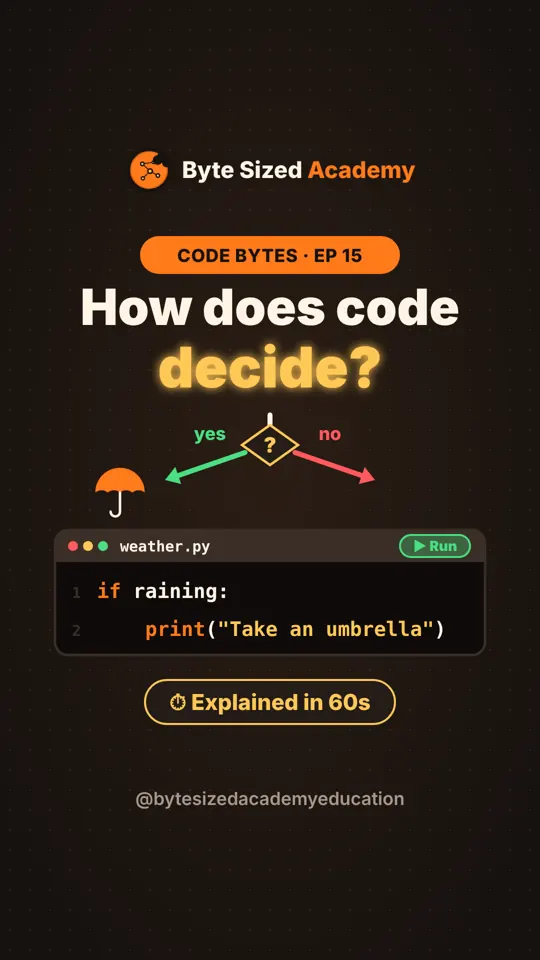 "Intro to Programming" · EP7
If statements
An if statement lets code make a decision, just like "if it's raining, take an umbrella". In Python you write if, a condition and a colon, then indent the lines that belong to it; else handles the no answer, and a line that isn't indented runs either way.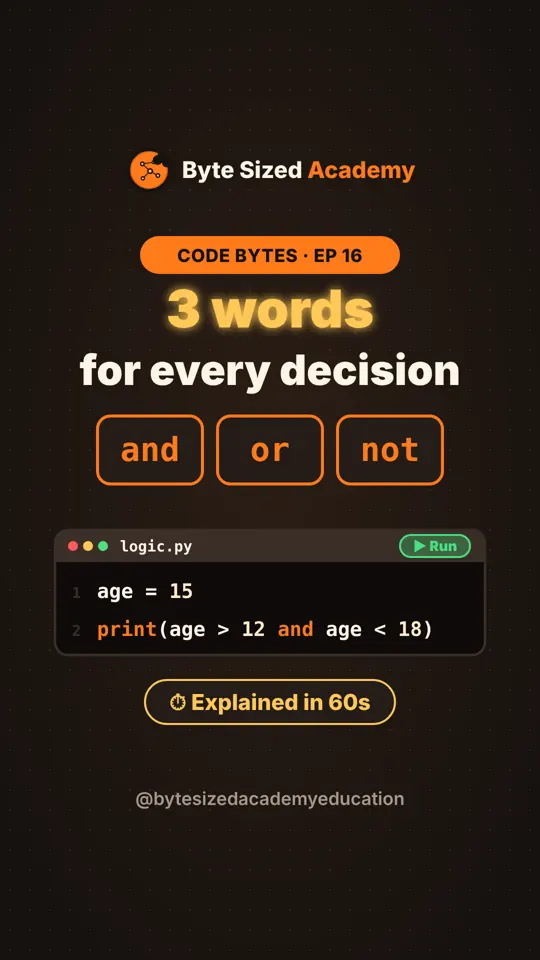 "Intro to Programming" · EP8
Comparison and logic
Every decision in code is a yes or no question, and Python answers it with True or False. Comparisons like >, < and == ask the question, and the three little words and, or and not combine and flip the answers.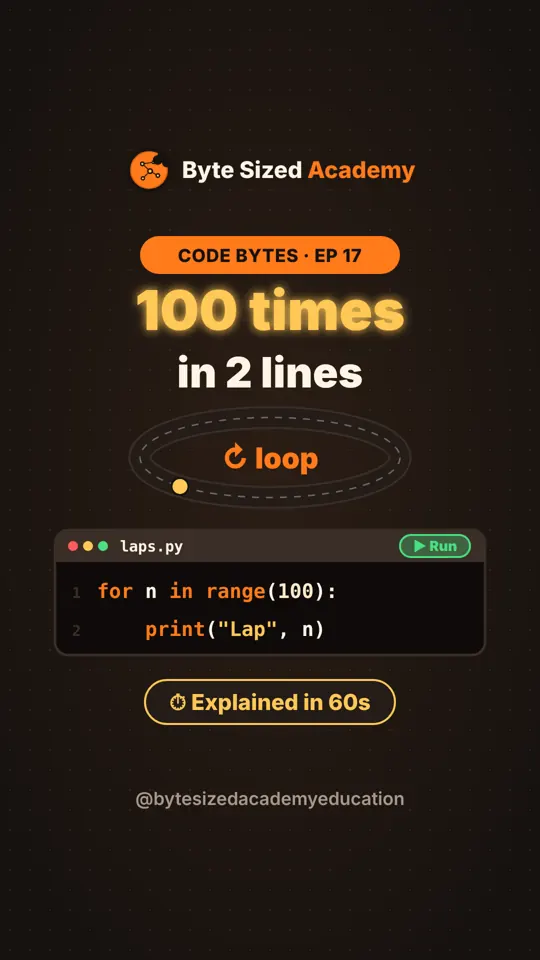 "Intro to Programming" · EP9
For loops
A for loop lets you do something many times while writing it only once. for n in range(3) repeats the indented lines under it once for each number 0, 1 and 2, and changing 3 to 100 gives a hundred repeats from the same two lines.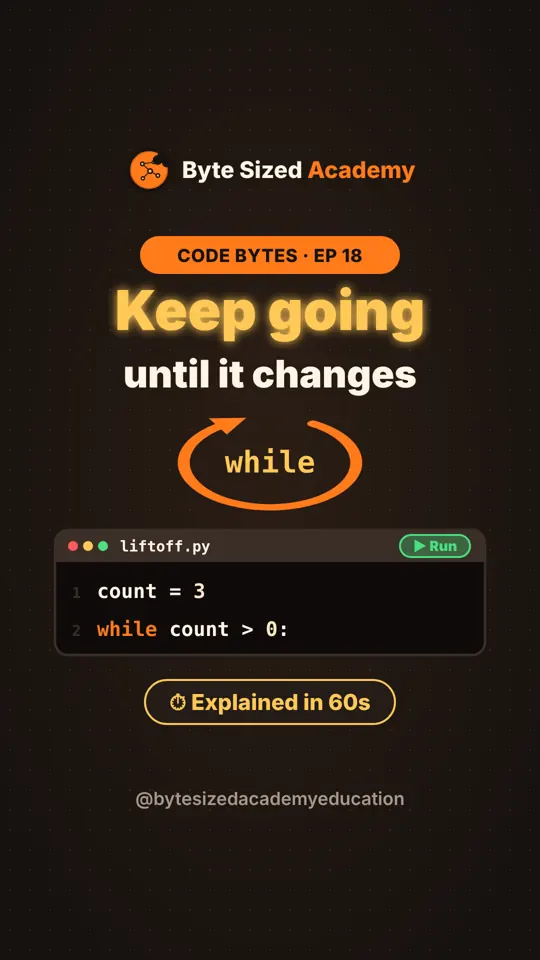 "Intro to Programming" · EP10
While loops
A while loop keeps repeating as long as its condition is True and checks that condition before every round. count = 3 with while count > 0 prints 3, 2, 1 and then stops, because count - 1 eventually makes the condition False.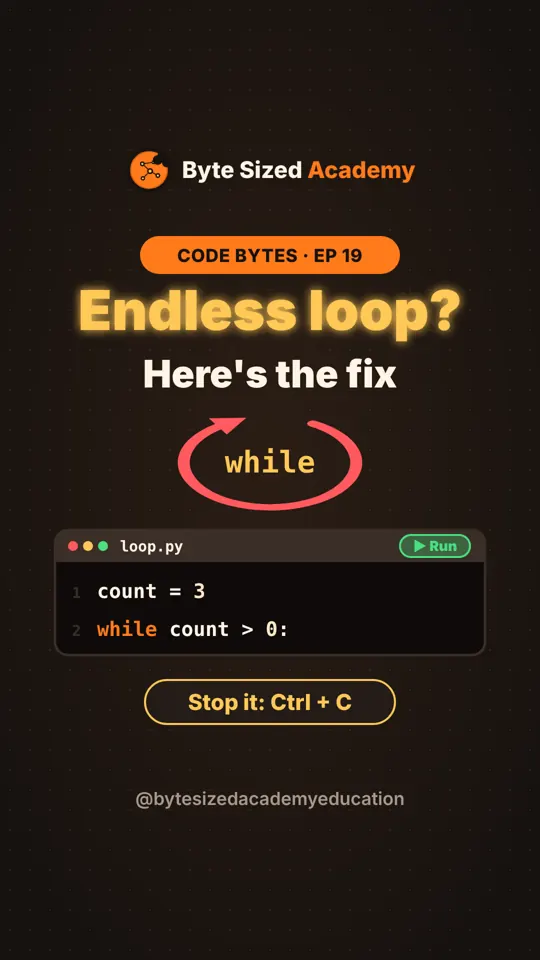 "Intro to Programming" · EP11
Infinite loops
An infinite loop is a loop whose condition never turns False, so it never stops. Press Ctrl+C to stop it (Python reports KeyboardInterrupt), and fix it by making sure something inside the loop changes.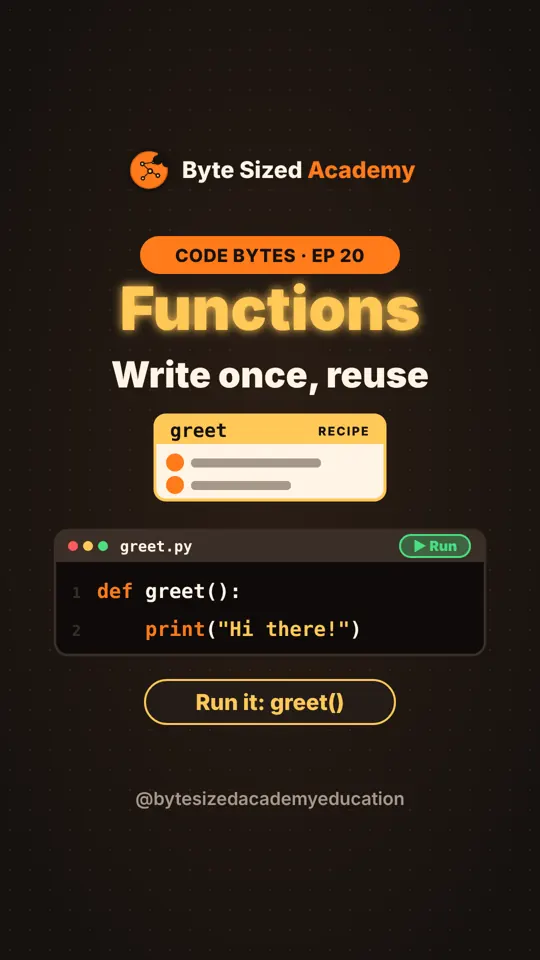 "Intro to Programming" · EP12
Functions
A function is a named chunk of code, like a recipe card with a name. You write it once with def, and it runs each time you call it by name with brackets, such as greet(). Defining a function only stores it; calling it runs it.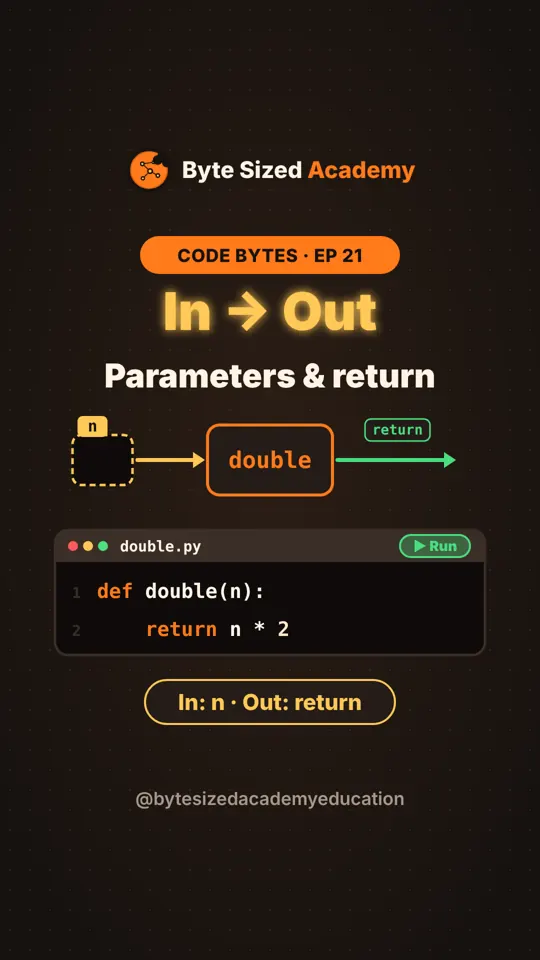 "Intro to Programming" · EP13
Parameters and return values
A parameter is a named slot in a function's brackets that receives whatever value you hand in. return sends a value back out of the function, so your code can store it or keep using it. print only shows a value on screen.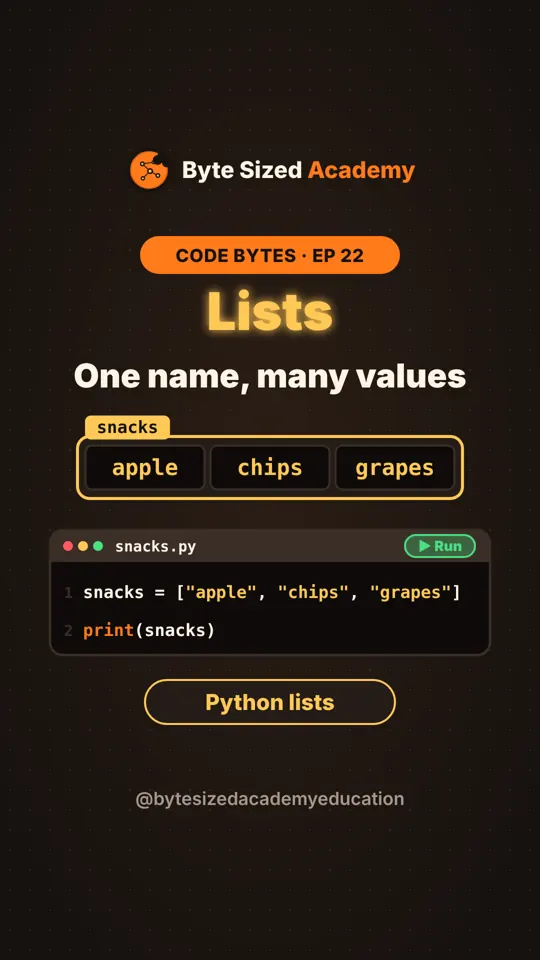 "Intro to Programming" · EP14
Lists and arrays
A list keeps many values together under one name. In Python you write it with square brackets and commas, len() counts its items, and append() adds a new item to the end. Many other languages call the same idea an array.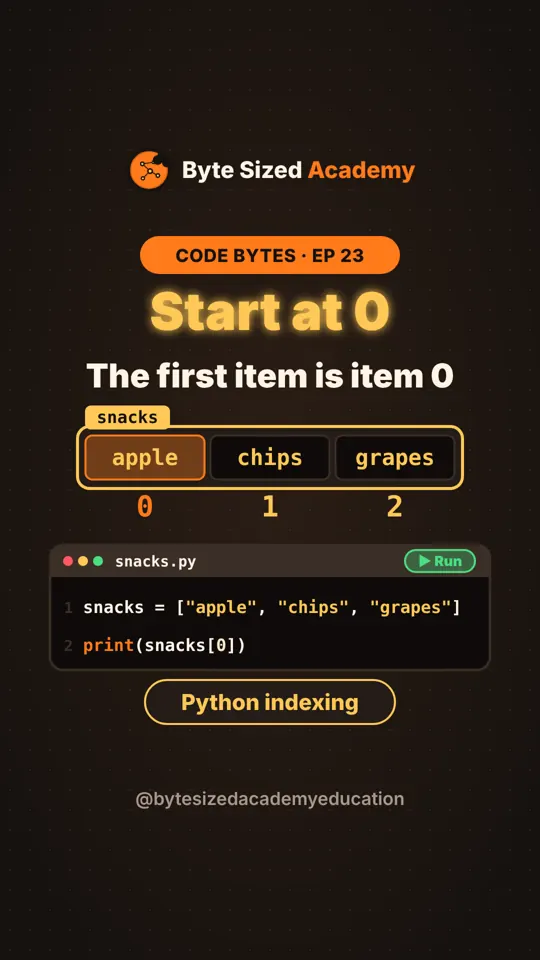 "Intro to Programming" · EP15
Indexing starts at zero
An index is an item's position in a list, counted as steps from the start, so the first item is index 0. In Python you put the index in square brackets after the list's name, and asking for an index past the end gives an IndexError.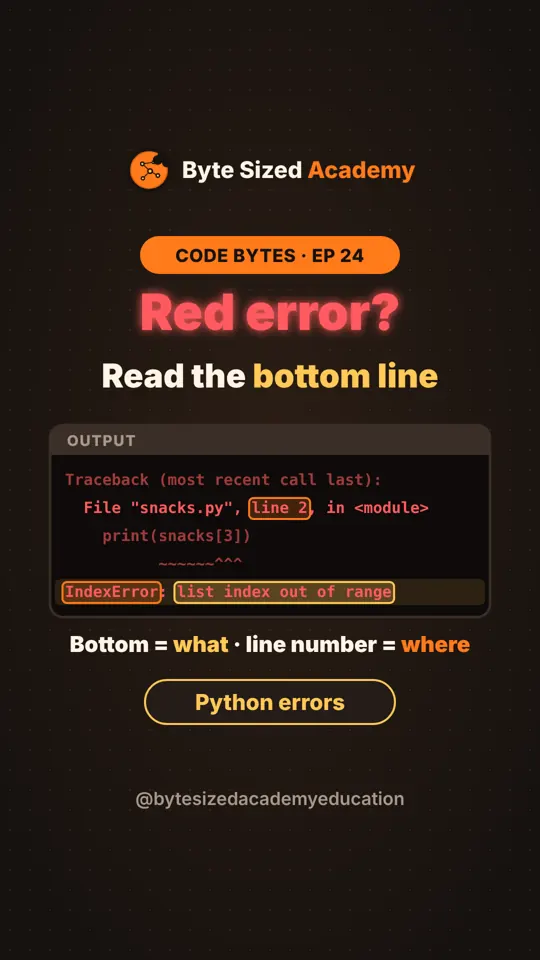 "Intro to Programming" · EP16
Reading an error message
When Python hits an error it stops and prints a traceback. Read the bottom line first for what went wrong (the error type and the reason), then the line number just above it for where.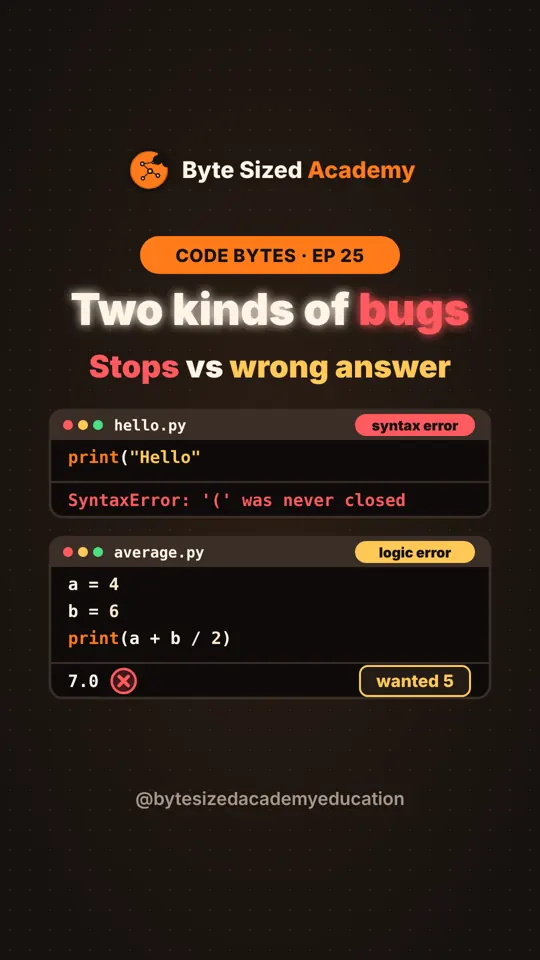 "Intro to Programming" · EP17
Syntax vs logic errors
A syntax error breaks the writing rules of code, so Python won't run it at all. A logic error runs fine but gives the wrong answer, so you only catch it by checking the output."How Computers Work" · EP1Bits and bytes
A bit is one binary digit, a 0 or a 1, like a tiny switch that is off or on. Every extra bit doubles the number of patterns, and eight bits make a byte, which has 256 patterns.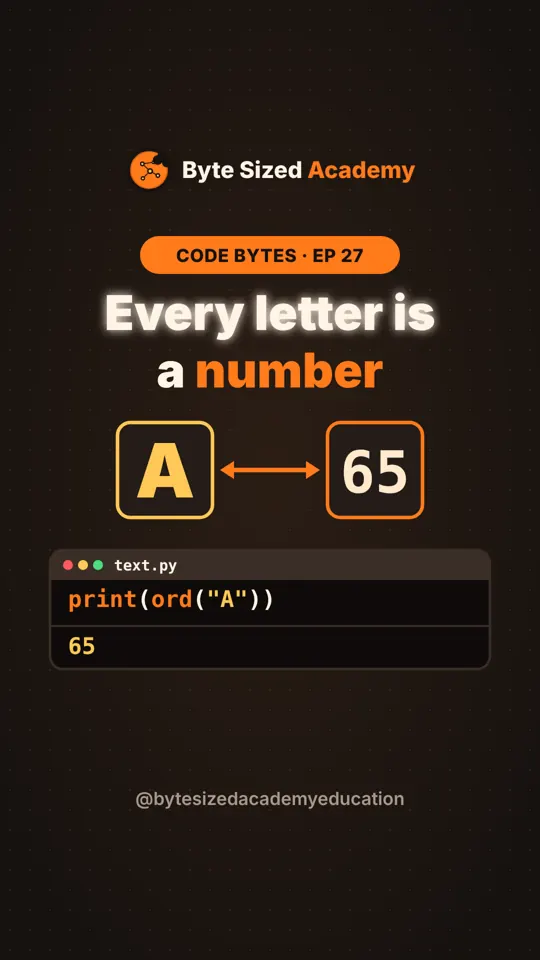 "How Computers Work" · EP2
How text is stored
A computer stores text by giving every character its own number from a big table, today called Unicode, and storing that number in bits. In Python, ord() gives a character's number and chr() turns a number back into its character.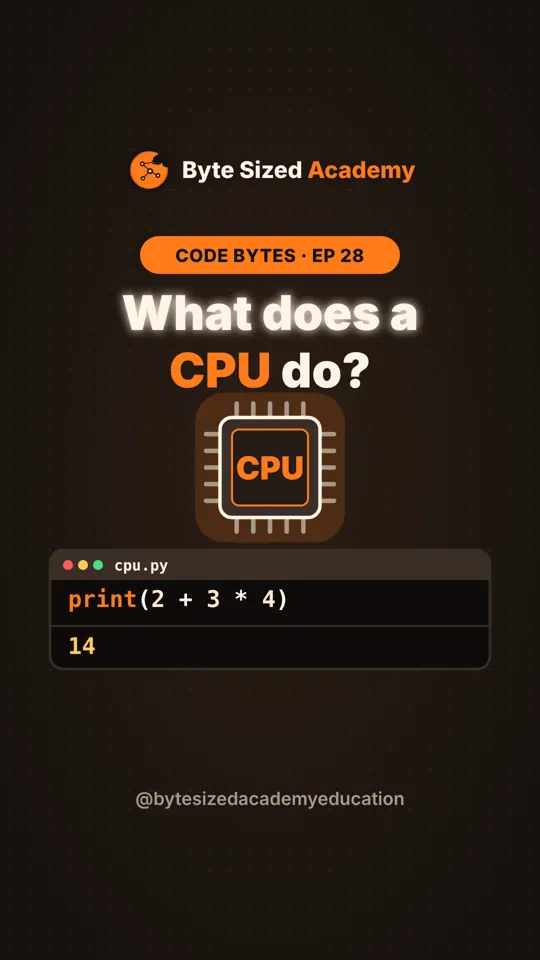 "How Computers Work" · EP3
The CPU
The CPU (central processing unit) carries out a program's instructions, one tiny job at a time, like add, compare or move. A clock paces it; each tick is a cycle, and 1 gigahertz means 1 billion cycles every second.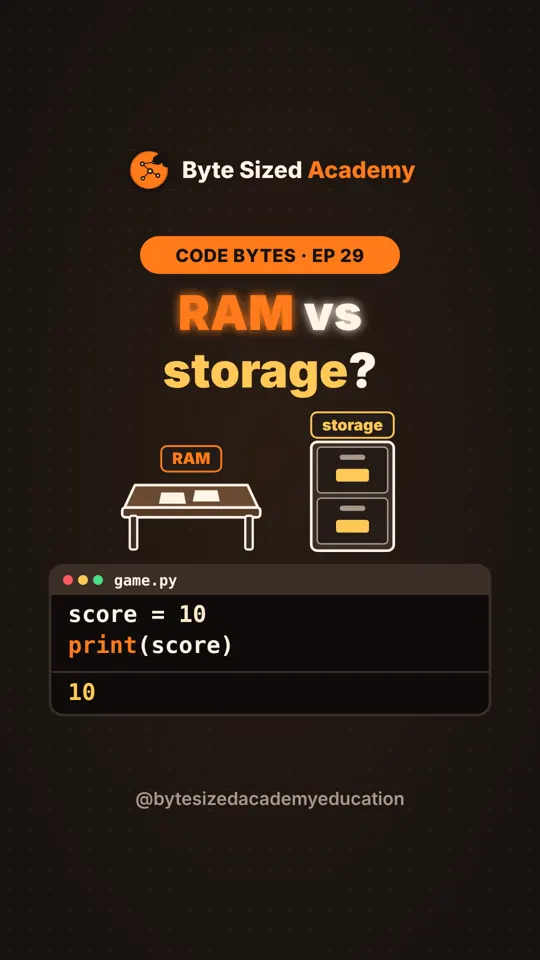 "How Computers Work" · EP4
RAM vs storage
RAM (random access memory) is fast working memory that holds what the computer is using right now and forgets it when the power goes off. Storage is bigger and slower, but it keeps your files with the power off. A Python variable lives in RAM; to keep it, save it to a file in storage.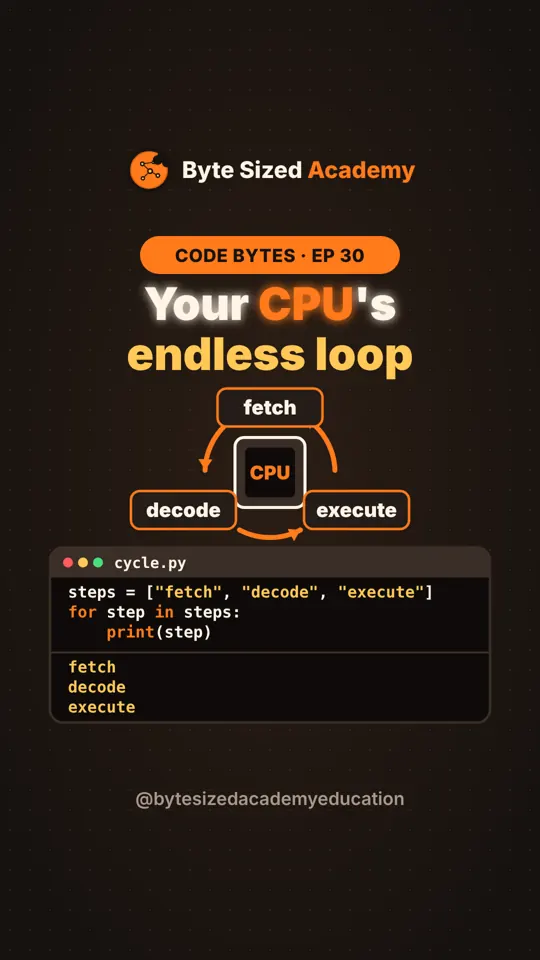 "How Computers Work" · EP5
The fetch-decode-execute cycle
A CPU runs a program by repeating three steps for every instruction. Fetch grabs the next instruction from memory (RAM), decode works out what it means, and execute does the job. Then it starts again. That loop is the fetch-decode-execute cycle, also called the instruction cycle.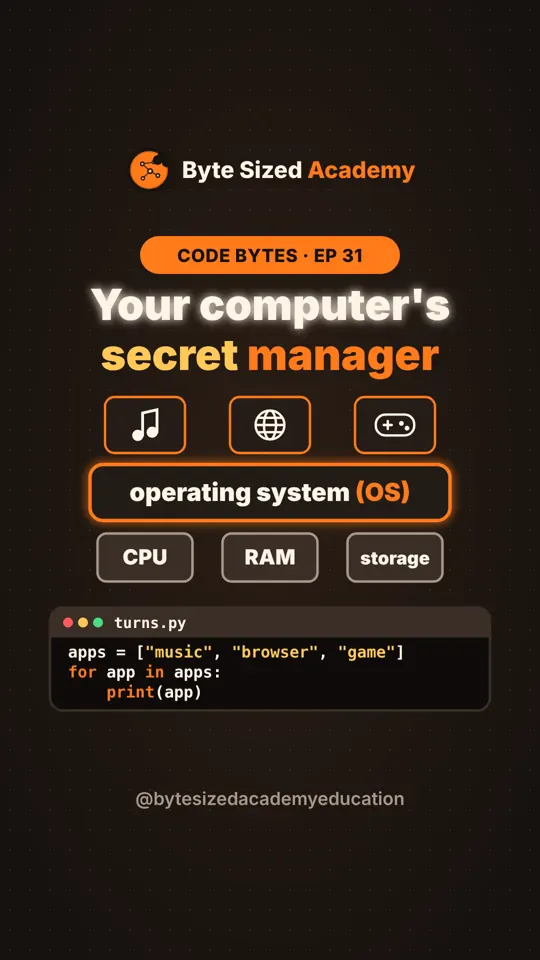 "How Computers Work" · EP6
What an operating system does
An operating system (OS), like Windows, macOS or Linux, is the software that sits between your apps and the hardware. It hands out memory, keeps files on storage, controls devices like the keyboard and screen, and shares the CPU by giving apps tiny turns, so fast they seem to run at once.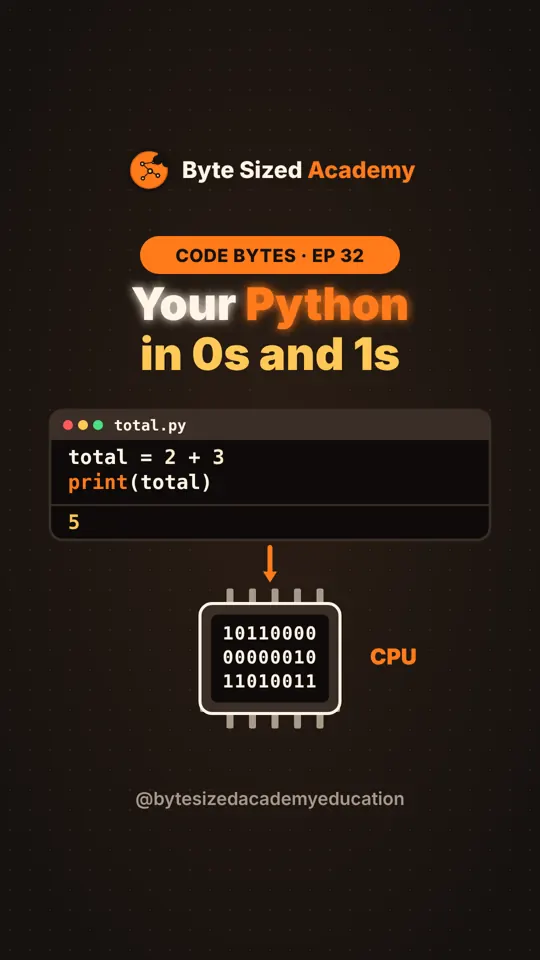 "How Computers Work" · EP7
Machine code vs high-level code
A CPU only understands machine code, instructions written as patterns of ones and zeros, each doing one tiny job. People write high-level code like Python instead, which is close to human language and far from the hardware. A translator program turns that code into machine steps the CPU can run.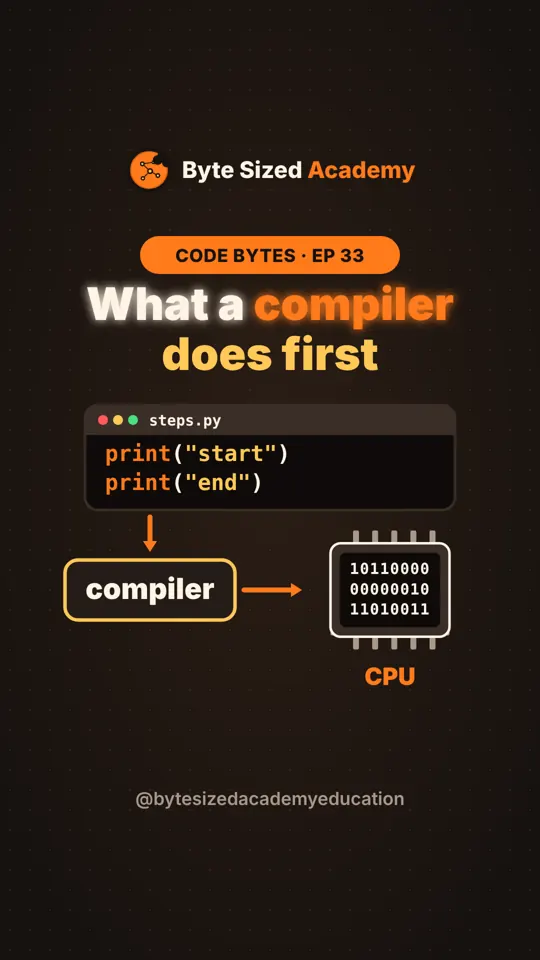 "How Computers Work" · EP8
What a compiler does
A compiler is a translator program. It reads your whole program and turns it into machine code before it runs, so the translated program can then run again and again with no more translating. If it finds a mistake such as a missing bracket, it stops and reports it, and no program is made. Python checks and translates a whole file first too, before running any of it."Web Fundamentals" · EP1What happens when you open a website
When you open a website, your browser asks and a server answers. The browser finds out which server has the site's name, sends a request for the page, and gets back an HTML file with the page's words and layout. It then asks again for every other piece the page needs, such as pictures and styles, and puts all the pieces together on your screen.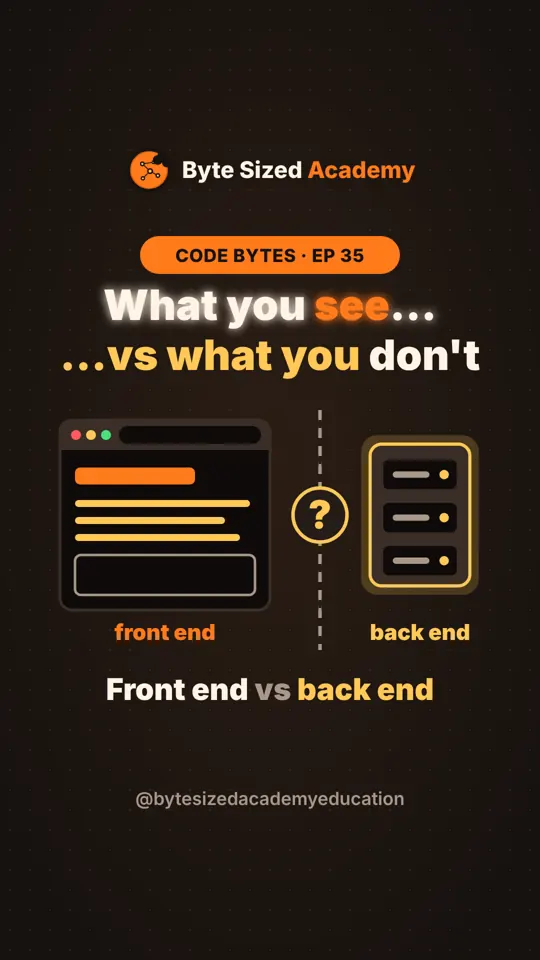 "Web Fundamentals" · EP2
Front end vs back end
Every website has two sides. The front end is everything in your browser, the layout, the text and the buttons you tap, built with HTML, CSS and JavaScript and running on your own device. The back end runs on the server, where it stores data, checks passwords and works things out, then sends the results back to the front end.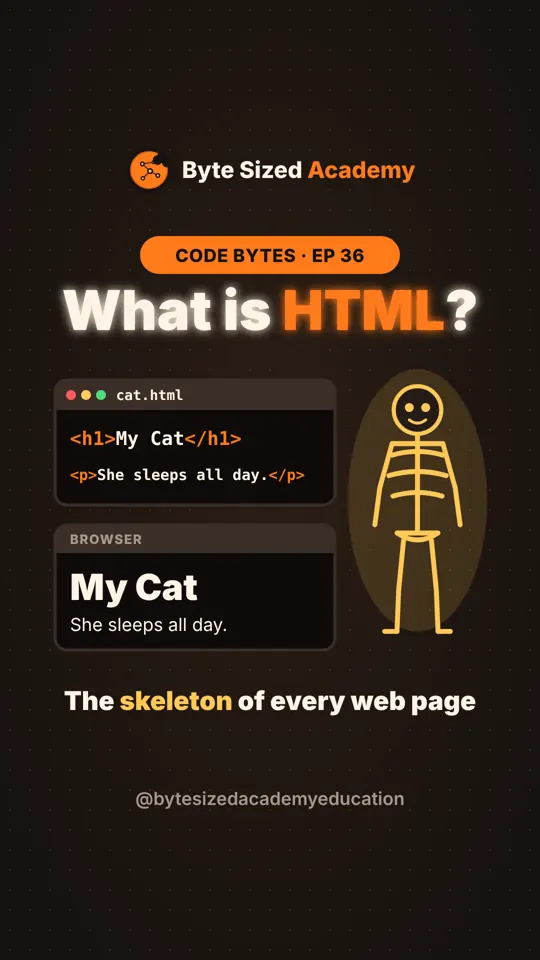 "Web Fundamentals" · EP3
What HTML is
HTML stands for HyperText Markup Language. It's the skeleton of every web page. Its labels, called tags, are written in angle brackets and tell the browser what each piece of a page is, such as a heading or a paragraph. HTML gives a page its structure, not its looks.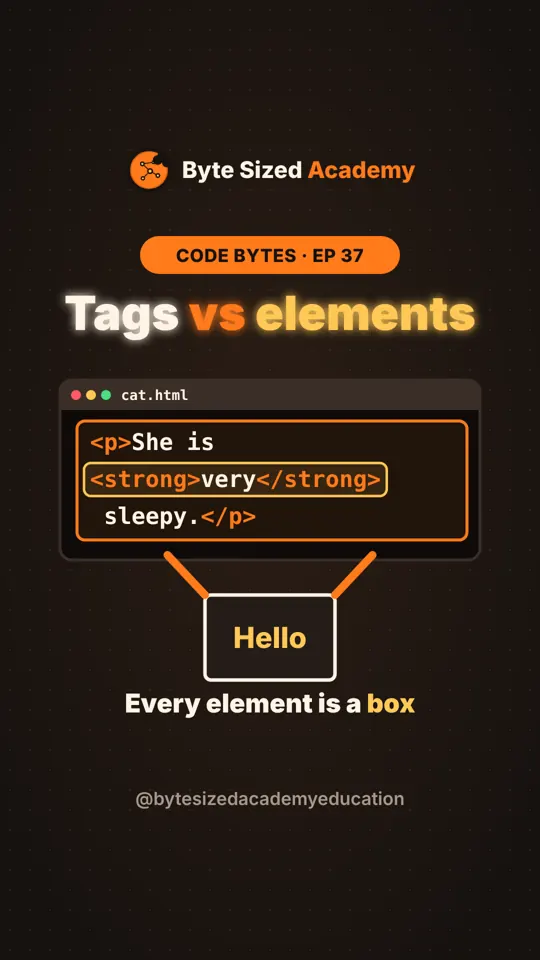 "Web Fundamentals" · EP4
Tags and elements
An HTML element is an opening tag, its content and a closing tag together. Think of it as a box. Elements can go inside other elements, which is called nesting, and the inside one is closed first. The strong element marks text as important, and browsers show it in bold.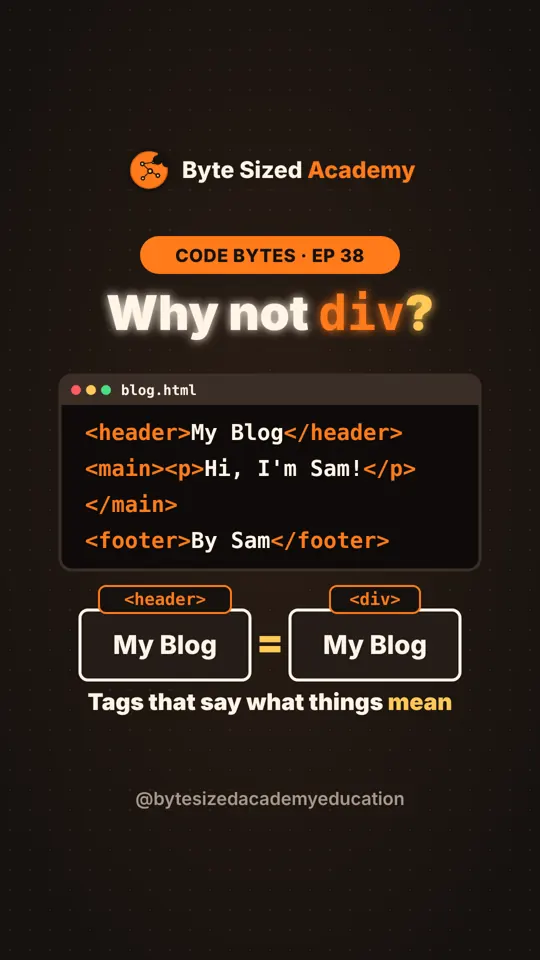 "Web Fundamentals" · EP5